How-to1:32 minDeutsche Fassung
Refine your agenda
Your draft is ready, now make it your workshop: read the timeline, rename blocks and change their type, adjust durations with plus and minus, keep “Watch out” and private notes, insert and move activities. Plus the Run and Participant preview views.
Real screen recording of the app, all data fictional. The narration is AI-generated.
Step by step
Your draft is ready. Now you make it your workshop. Here's how to fine-tune every detail in the studio.
Timeline and view
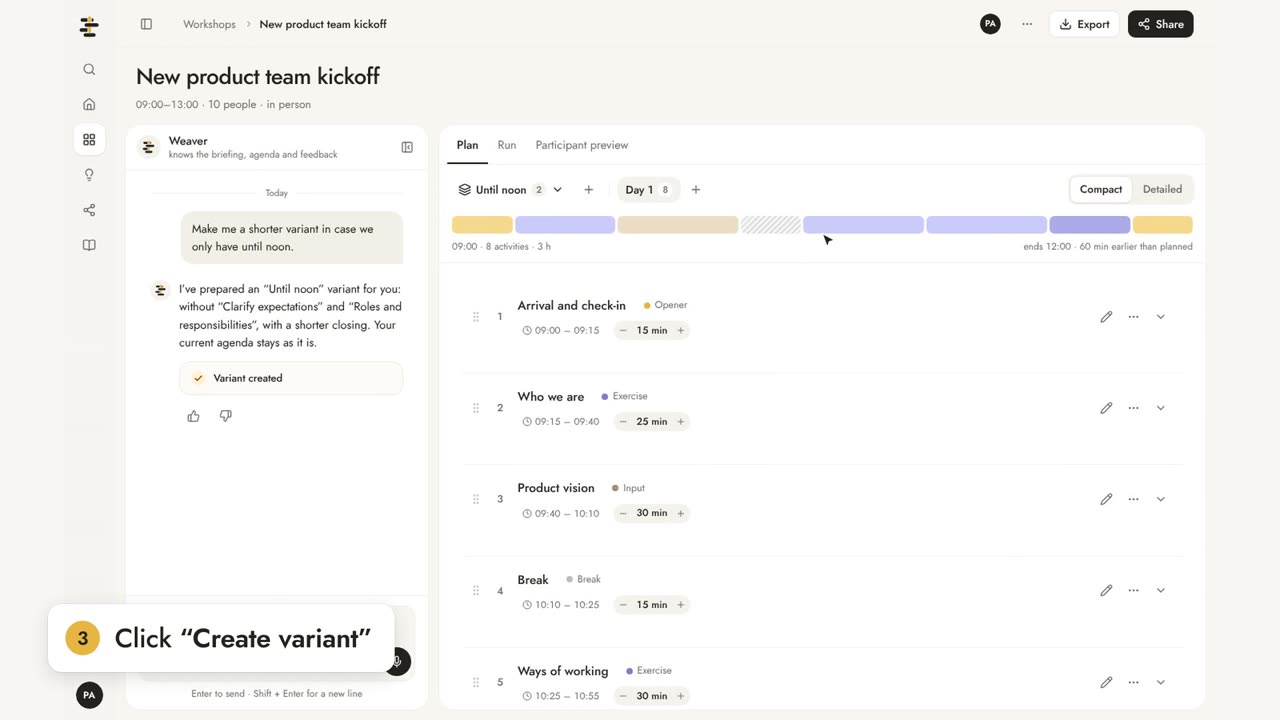
At the top is the timeline: every block is a bar, and on the right you see when you'll finish. “Detailed” shows more about each block, “Compact” keeps the overview.
Rename right in the row
Rename a block with one click, right in the row.
Change the type
The type says what a block is: exercise, discussion, decision. The colour in the timeline follows.
Duration with plus and minus
Plus and minus change the duration. Ten more minutes for the goals, and the timeline shows: ten minutes over plan. Ten fewer for the closing, and you're back on plan.
Details, “Watch out” and notes
The pencil opens all the details: goal, method, flow, materials. “Watch out” holds notes for every facilitator. “My notes” are only for you.
Insert an activity
Something missing? Insert a new activity between two blocks. The timeline instantly shows what that means for your end time.
Move blocks
Use the menu to move blocks up or down. Or simply drag them to the right spot.
Run and participant preview
And two more views to finish: “Run” guides you through the workshop day block by block. The “Participant preview” shows what your group gets to see.
Up next
All videos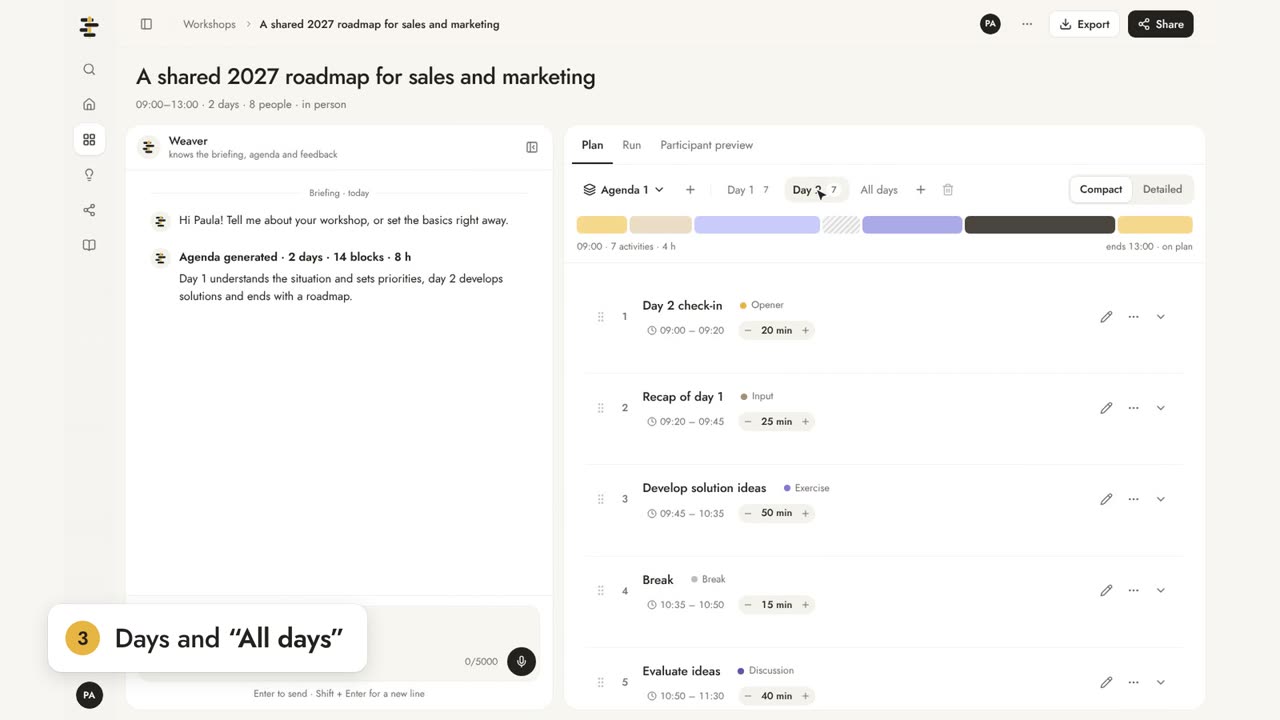
Planned from the goal.
7 days free · No credit card · Cancel anytime