Story Mapping
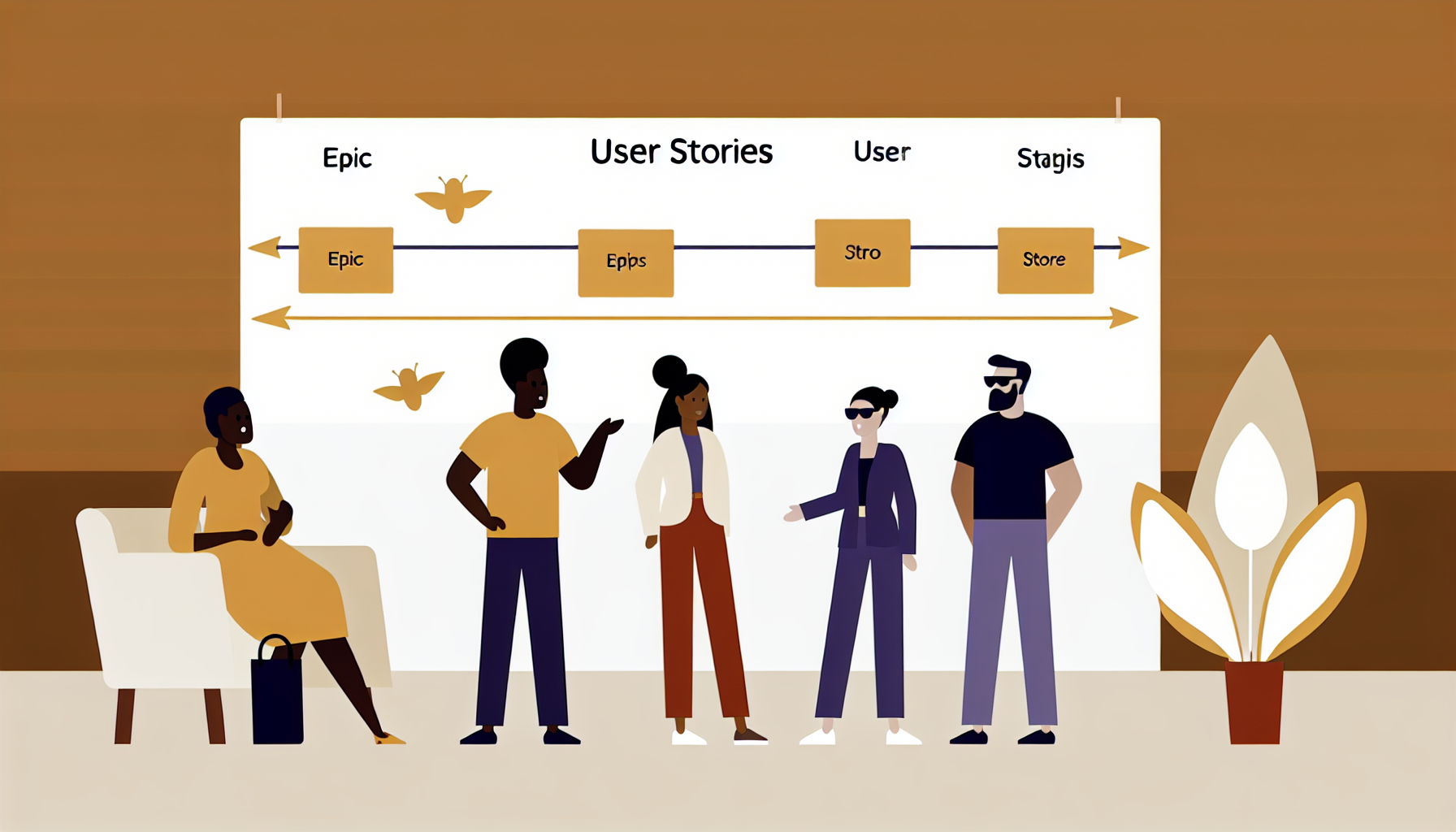
Developed by Jeff Patton, a User Story Map arranges user stories spatially to reveal the full scope of a product or feature and enable intelligent slicing. The horizontal axis represents the user's journey (activities and tasks from left to right). The vertical axis represents priority — the top row is the minimal viable set. Story mapping prevents teams from building features in isolation from user flow.
How to run it
- 1
Define the user and the backbone: the high-level activities the user performs (e.g. Search → Select → Purchase → Receive).
- 2
Place backbone activities as column headers across the top in sequence.
- 3
Under each activity, list the specific tasks or stories that make up that activity.
- 4
Sort tasks vertically by priority within each column.
- 5
Draw a horizontal line to define the MVP — everything above the line is the minimum viable product.
- 6
Everything below the line is future releases.
- 7
Review the map: does the MVP tell a complete user story? Are there gaps?
Tips
The backbone is the most important part — if the top-level activity sequence is wrong, everything below is wrong.
Don't let the map become a backlog dump; it should tell a coherent user story at every horizontal cut.',
Variations
Run a 'Now/Next/Later' variant replacing MVP cuts with time horizons. Use Story Mapping for marketing campaigns, content calendars, or customer success journeys — not just software.
Where it fits
Related methods
Frequently asked questions
When should I use Story Mapping?▾
Use Story Mapping when you want to: Product roadmap planning; MVP definition; Sprint planning; Feature prioritisation.
How long does Story Mapping take?▾
Story Mapping typically takes 120–240 minutes.
How many participants does Story Mapping work for?▾
Story Mapping works best for groups of 3–12 participants.
What materials do I need for Story Mapping?▾
To run Story Mapping you will need: large wall or paper roll, sticky notes (3+ colours), markers.
How difficult is Story Mapping to facilitate?▾
Story Mapping is rated intermediate — some facilitation experience is helpful.
Plan your next workshop with AI
Workshop Weaver helps you combine methods like Story Mapping into a complete, timed agenda in minutes.
Try it freeMethod descriptions on Workshop Weaver are original content written by our team, based on established facilitation practices.