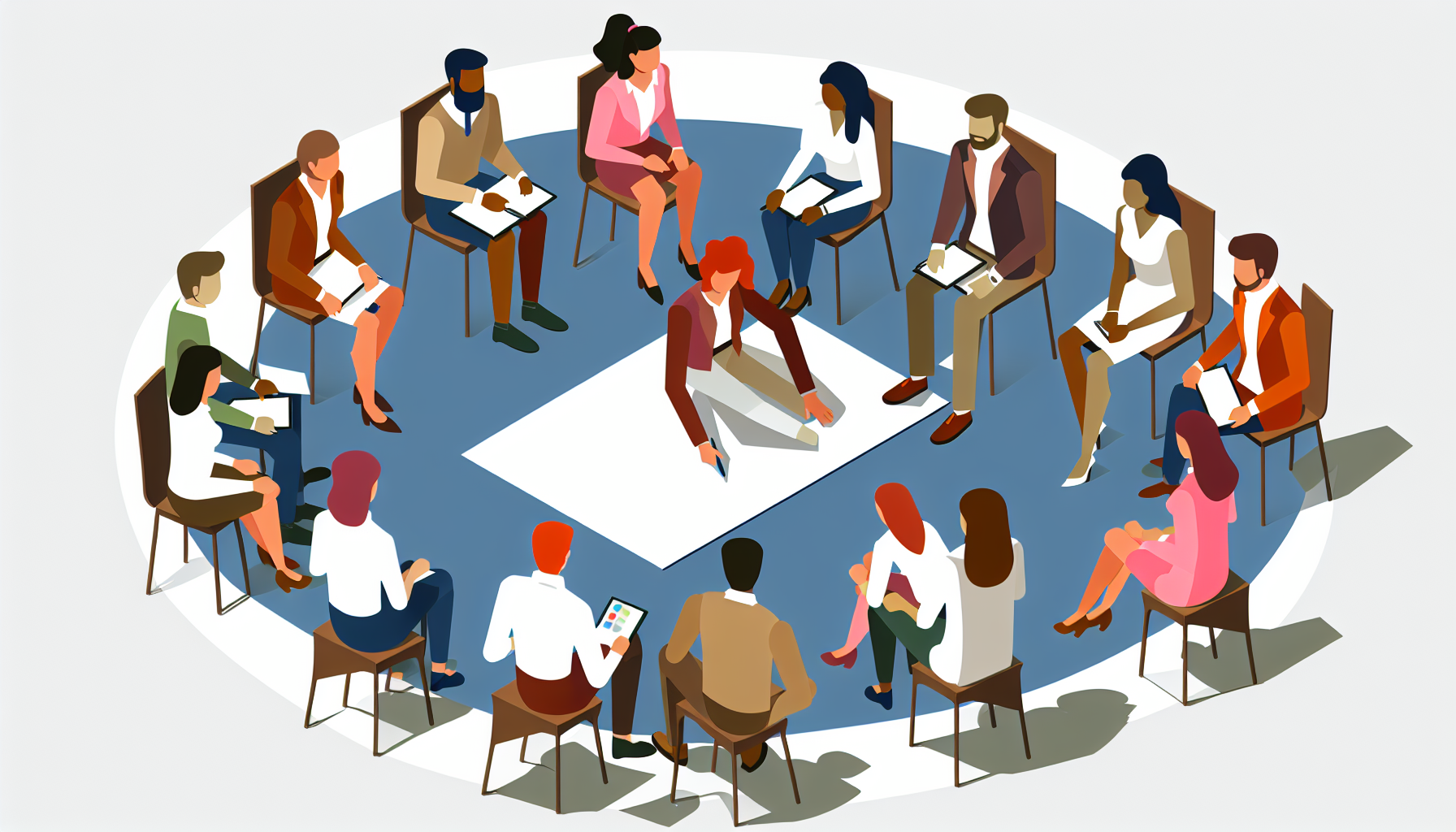
Team Canvas
The Team Canvas is a visual tool that helps teams clarify their goals, values, and roles. It's useful for aligning team members on shared objectives and fostering collaboration.
Comment l'animer
- 1
Set up the Team Canvas on a whiteboard or large paper where everyone can see it.
- 2
Introduce the purpose of the session and explain how the Team Canvas works.
- 3
Ask each participant to reflect on their role and contributions, then write these on sticky notes.
- 4
Invite team members to share their sticky notes and place them on the canvas.
- 5
Facilitate a discussion to identify common themes, goals, and values.
- 6
Encourage the team to agree on actions to enhance alignment and collaboration.
- 7
Document the outcomes and share them with the team after the session.
Conseils
Encourage open and honest sharing during discussions.
Keep the atmosphere positive and focused on collaboration.
Use the sticky notes to generate visual diversity in ideas.
Variantes
You can modify the session length and focus on specific team aspects, such as only values or roles, depending on team needs.
Contextes d'utilisation
Questions fréquemment posées
Quand utiliser Team Canvas ?▾
Utilisez Team Canvas lorsque vous souhaitez: team kickoff; goal alignment session; retrospective alignment; project realignment meeting.
Combien de temps dure Team Canvas ?▾
Team Canvas dure généralement 90–150 minutes.
Pour combien de participants Team Canvas convient-il ?▾
Team Canvas fonctionne mieux pour des groupes de 2–8 participants.
De quels matériaux ai-je besoin pour Team Canvas ?▾
Pour animer Team Canvas, vous aurez besoin de : Team Canvas drawn on a whiteboard or large paper, Sticky notes in different colors, one for each participant, Sharpies or pens.
Quel est le niveau de difficulté de Team Canvas ?▾
Team Canvas est classé intermédiaire — une certaine expérience en facilitation est utile.
Planifiez votre prochain atelier avec l'IA
Workshop Weaver vous aide à combiner des méthodes comme Team Canvas en un agenda complet et minuté en quelques minutes.
Essayer gratuitementMethod descriptions on Workshop Weaver are original content written by our team, based on established facilitation practices. This method was inspired by work from SessionLab. Licensed under CC BY-SA 4.0.